
A well-designed AV system is just the beginning. To keep rooms, displays, conferencing tools, and collaboration spaces working the way they should, organizations need ongoing support long after installation.
Because once the system is in use, real life takes over. Meetings start back-to-back. Teams rely on video calls to connect with clients and coworkers. Training rooms, boardrooms, event spaces, and shared collaboration areas all need to be ready when people walk in.
When something doesn’t work, it can slow down a meeting, frustrate users, and put extra pressure on internal IT teams. AV Managed Services help prevent those issues by keeping systems supported, maintained, monitored, and easier for people to use over time.
Support That Extends Beyond Installation
AV systems are an investment, and that investment should be protected after the project is complete. Managed Services give organizations a clear support plan for keeping their systems running reliably.
Instead of waiting until a room is down or a user is frustrated, a managed service program creates a more proactive approach. Support can include help desk access, service ticket management, on-site technical support, remote system monitoring, manufacturer warranty support, preventative maintenance, and user training.
That means your team has a place to turn when questions come up, equipment needs attention, or a system is not performing the way it should.
Help Desk Support for Everyday AV Questions
Not every AV issue needs a on-site service visit. Sometimes a user simply needs help starting a call, sharing content, adjusting room controls, or understanding how a system is supposed to work.
Help desk support gives users a direct resource for those day-to-day questions. It also helps take pressure off internal IT teams, who may not have the time or AV-specific expertise to troubleshoot every meeting room issue.
With the right support process in place, requests can be documented, routed, and resolved more efficiently. Over time, that also helps identify recurring issues, training gaps, or rooms that may need additional attention.
Preventative Maintenance Helps Catch Issues Early
The best time to address an AV issue is well before it impacts the user experience or interrupts a meeting.
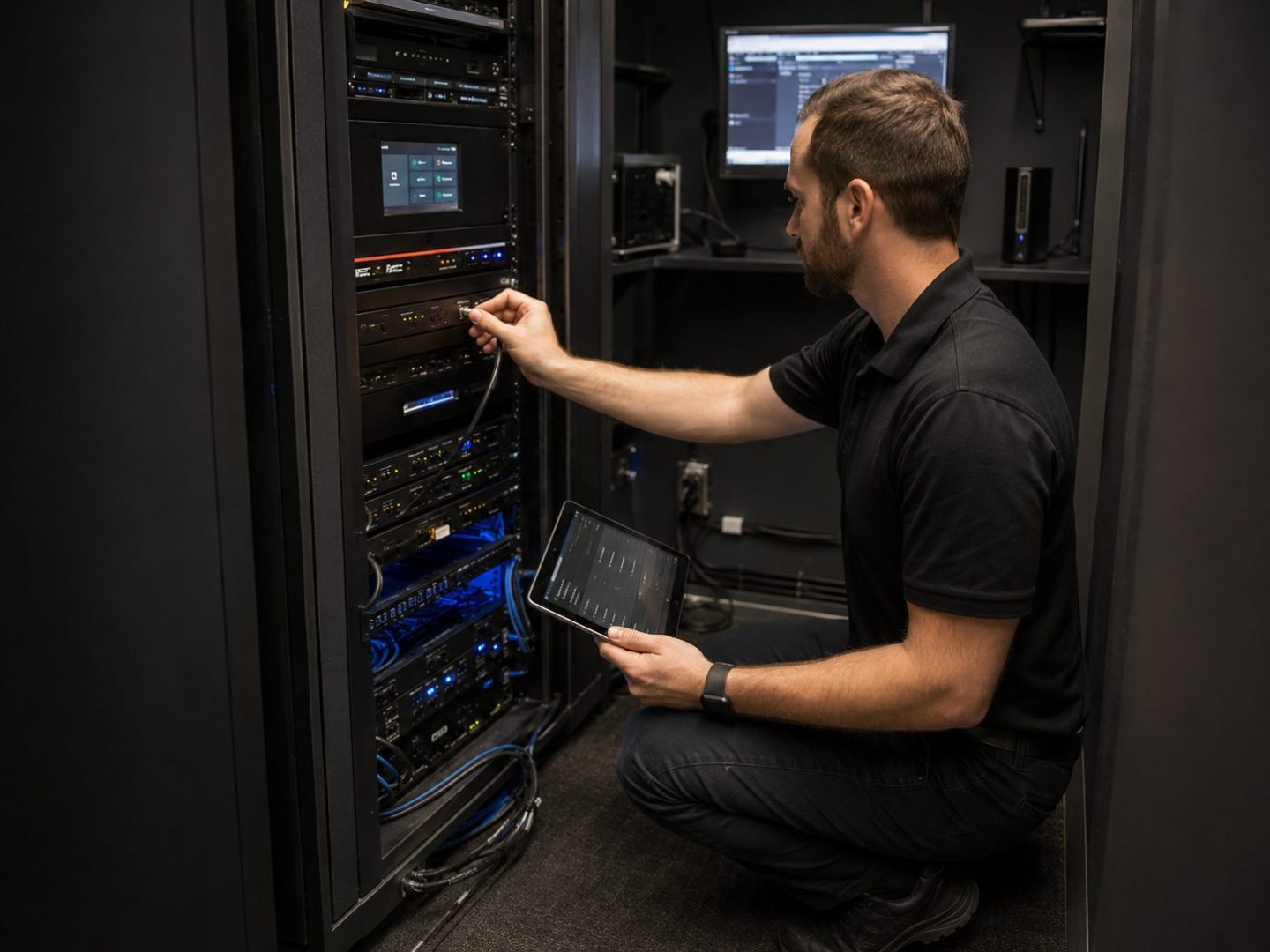
Preventative maintenance helps keep systems performing as expected by giving equipment regular attention. During a maintenance visit, technicians can check system operation, review cabling and connections, replace consumables, update firmware, and confirm that core functions are working properly.
These checks may seem small, but they can make a big difference. A failing part, outdated software, loose connection, or end-of-life product can quickly become a larger issue if it goes unnoticed.
Regular maintenance helps reduce surprise downtime and gives organizations a better understanding of what may need to be repaired, refreshed, or replaced.
Remote Monitoring Gives Teams Better Visibility
Many AV systems are network connected, which means support does not always have to start with someone reporting a problem.
Remote monitoring can give service teams real-time visibility into system status, making it easier to spot issues early and respond more quickly. For organizations with multiple rooms, campuses, or locations, this can be especially valuable.
Monitoring can also provide insight into how spaces are being used. Which rooms are booked most often? Which systems are seeing the most activity? Which spaces may not be getting used at all?
That information can help guide future decisions around room design, technology refreshes, and collaboration tools. Instead of guessing what teams need, organizations can use real system data to make better long-term plans.
On-Site Support for Larger or Mission-Critical Spaces
Some environments need more than remote support or scheduled service visits. Large buildings, campuses, executive meeting areas, command centers, emergency response spaces, and other mission-critical environments may need faster response times and dedicated support.
On-site staffing gives organizations access to trained AV technicians who understand the systems, the spaces, and the people using them. These technicians can perform daily system checks, support live meetings, troubleshoot issues, and provide quick training when users need help.
For organizations with many video conferencing rooms or high-use meeting spaces, on-site support can help meetings start on time and reduce the friction that comes with technology issues.
Training Helps Users Feel Comfortable
Even the best AV system can fall short if people are not comfortable using it.
Training is one of the most important parts of long-term AV success. Users need to know how to start meetings, connect devices, share content, adjust displays, and use room controls without feeling unsure or overwhelmed.
Managed Services can support this through quick start guides, help desk support, on-site training, and follow-up education. This is especially helpful after a new installation, when new employees join the organization, or when room technology changes.
When users understand the system, meetings start faster, support requests decrease, and the technology becomes part of the workflow instead of a barrier.
A Smarter Way to Support AV Systems
When AV systems are working well, people usually do not think about them. Meetings start smoothly. Content appears where it should. Audio is clear. Video calls connect. Teams can focus on the work instead of the technology. Having a Managed Services package can help make that experience more consistent.
With the right support, monitoring, maintenance, training, and service plan in place, organizations can reduce downtime, support their users, and protect their AV investment over its full lifecycle.
Bluewater’s AV Managed Services Team supports organizations with help desk access, preventative maintenance, on-site staffing, remote systems monitoring, training, analytics, reporting, and custom support options based on each client’s needs.
Ready to make your workplace work better? Let’s talk.