
Conference room technology has become a critical part of the modern workplace. Whether you’re supporting hybrid meetings, upgrading existing spaces, or designing new rooms from scratch, the goal isn’t simply to add more technology. It’s to create meeting spaces that work reliably every day.
Many organizations focus on displays, cameras, and microphones, but the most successful conference room technology projects start with thoughtful planning, room standards, and user experience.
What Is Conference Room Technology?
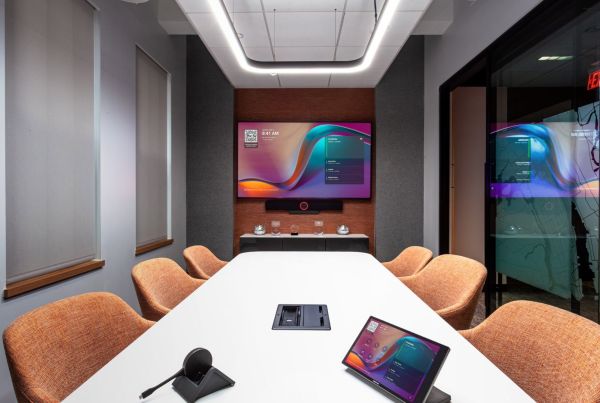
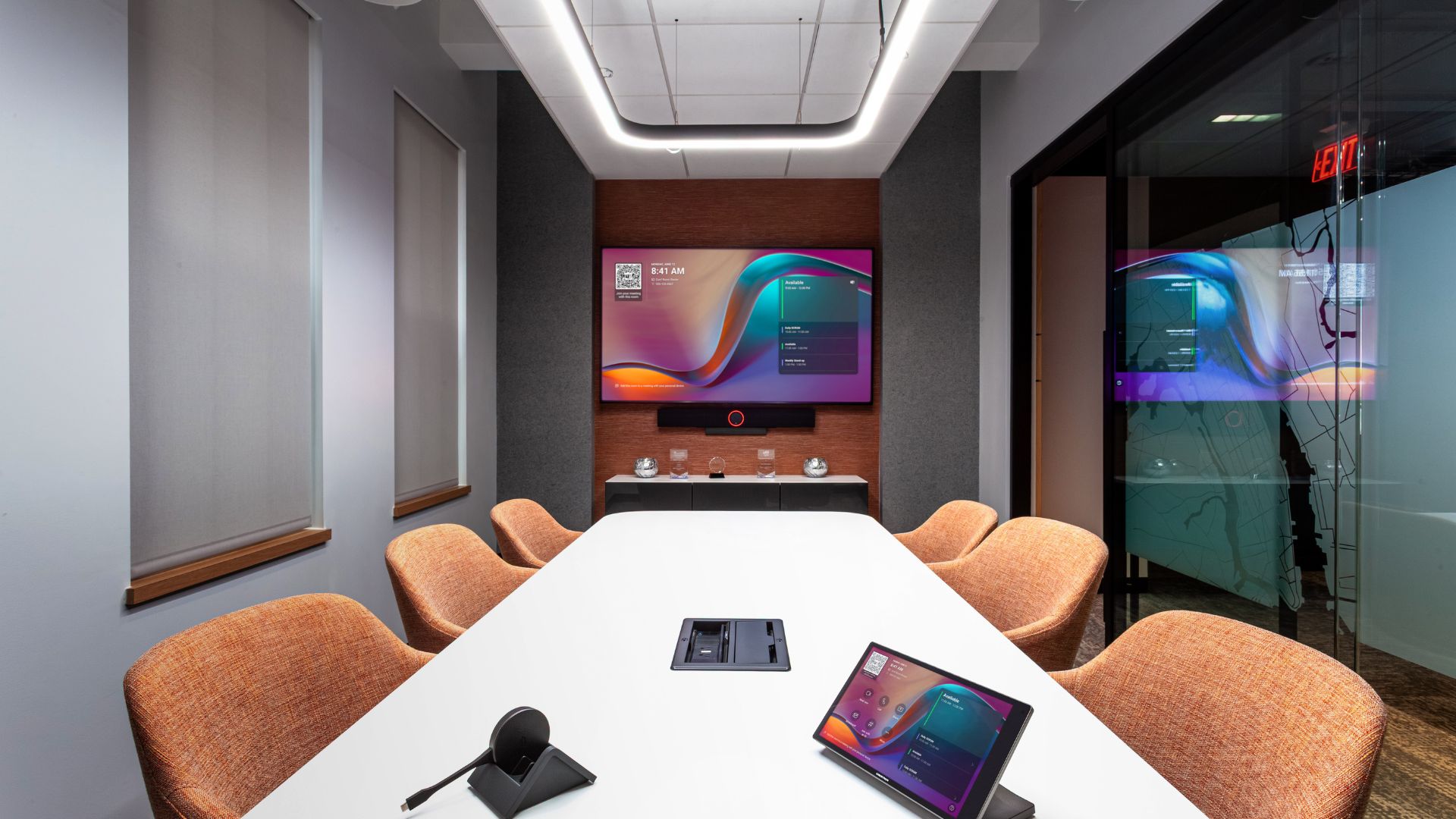
A modern conference room technology solution typically includes:
- Microsoft Teams Rooms or Zoom Rooms systems
- Professional audio systems
- Cameras designed for hybrid collaboration
- Displays or projection systems
- Room scheduling and control systems
- Wireless content sharing and conferencing capabilities
These components work together to create a consistent meeting experience for both in-room and remote participants.
Choose Technology Based on Room Type
Not every room requires the same technology package. Standardizing room types helps simplify support, training, and future upgrades.
Huddle Rooms
Small collaboration spaces often benefit from:
- All-in-one video bars
- Single displays
- Simple touch controls
- Integrated Microsoft Teams Rooms or Zoom Rooms experiences
Medium Conference Rooms
These rooms typically require:
- Dedicated cameras
- Enhanced microphone coverage
- Single or dual displays
- Wireless presentation and conferencing capabilities
- Integrated Teams or Zoom Room systems
Large Boardrooms and Training Spaces
Larger environments often need:
- Advanced audio design
- Multiple microphones and speakers
- Camera tracking technology
- Flexible control systems
- Single or multiple displays depending on room use
- Wireless presentation and conferencing capabilities
The key is matching technology to room function rather than applying the same solution everywhere.

What Really Impacts Conference Room Technology Costs?
Many teams assume equipment drives the majority of project costs. In reality, several factors influence both budget and long-term performance:
- Room size
- Existing infrastructure
- Acoustic conditions
- Installation complexity
- Control system requirements
- User training and adoption
- Ongoing support needs
A room with challenging acoustics or limited infrastructure may require more design effort than a larger room with ideal conditions.
What Not to Do: Common Conference Room Technology Mistakes
After designing and deploying countless meeting spaces, several mistakes appear again and again.
Don’t Expect Technology to Fix a Bad Room
Poor acoustics, excessive glass, background noise, and challenging room layouts can negatively impact meeting quality.
Organizations often want high-end unified communications technology in a room and expect it to work when the room was never designed for this type of meeting.
Good conference room design starts with the room itself—not just the equipment inside it.
Don’t Rush the Site Survey
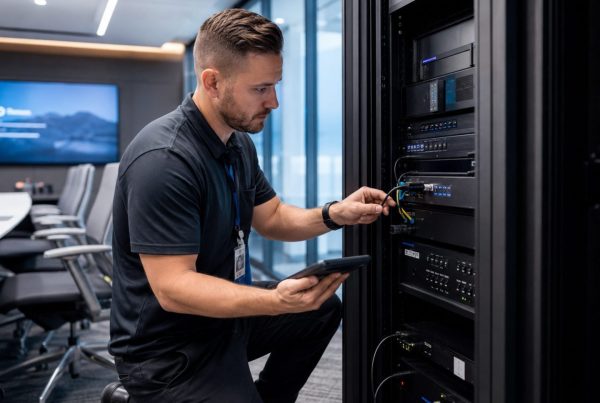
A successful AV integration project begins with a thorough site survey.
Rushing through room inspections can result in missed infrastructure requirements, inaccurate measurements, and unforeseen installation challenges.
Taking the time to document room conditions, capture photos, and understand user needs helps avoid costly surprises later.
Don’t Leave End Users Out of the Conversation
One of the most common mistakes is gathering requirements only from facilities or IT teams.
The people who use the room every day often provide valuable insights:
- What currently works well?
- What causes frustration?
- How do meetings typically run?
- Are there unique workflow requirements?
These conversations frequently uncover needs that would otherwise be missed during design.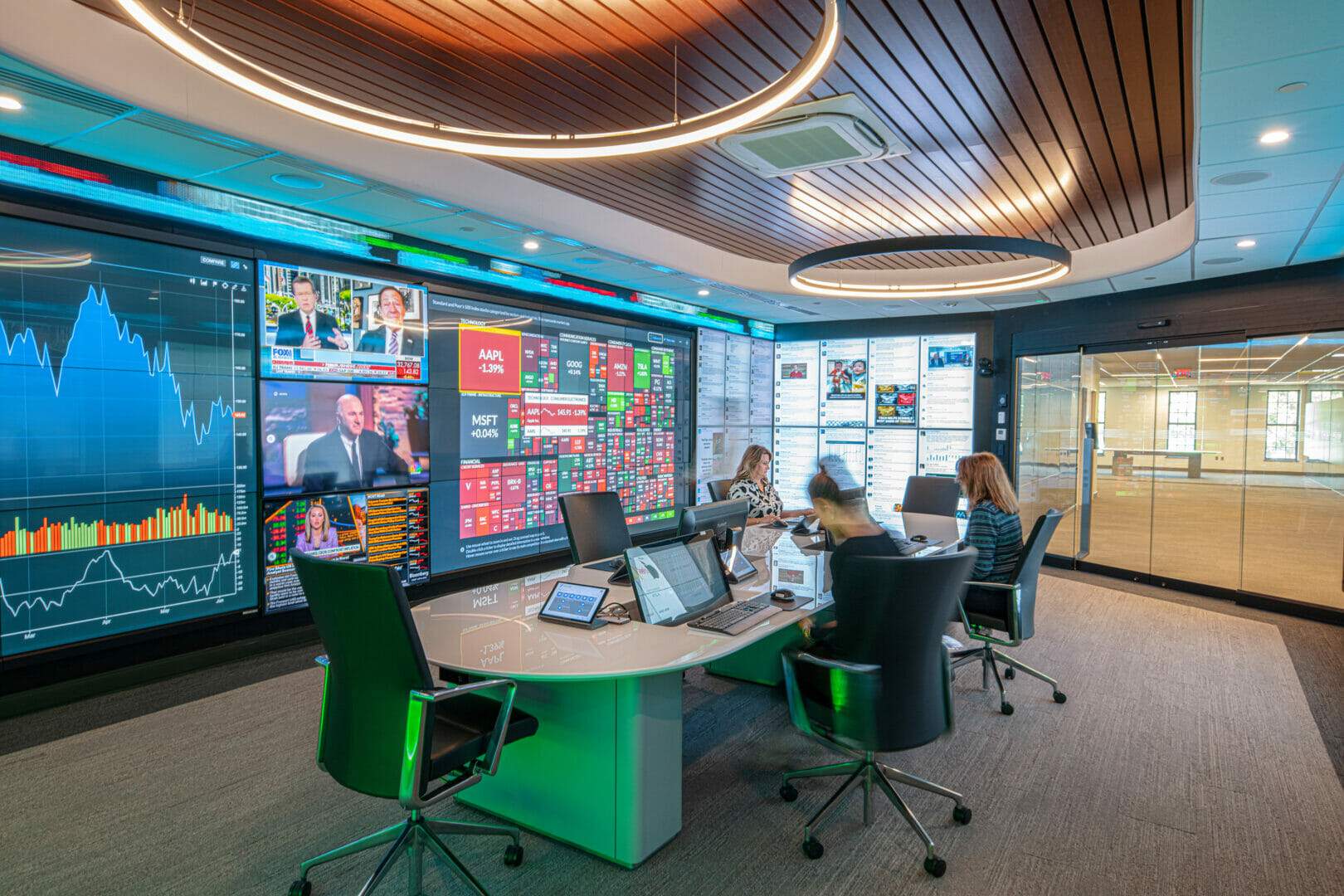
The Secret to Reliable Hybrid Meetings
Organizations often focus on larger displays or newer technology, but hybrid meeting success usually comes down to two things:
1. Audio Is the Most Important Element
Without good audio, there is no meeting.
If remote participants cannot clearly hear every speaker in the room, collaboration breaks down immediately. Microphone coverage, room acoustics, and speaker placement often have a greater impact on meeting quality than the display itself.
2. Smart Camera Placement
Once audio is working properly, camera placement becomes critical. Participants should be able to clearly see who is speaking and follow the conversation naturally.
This concept—often called hybrid meeting equity—helps create a better experience for both in-room and remote participants.
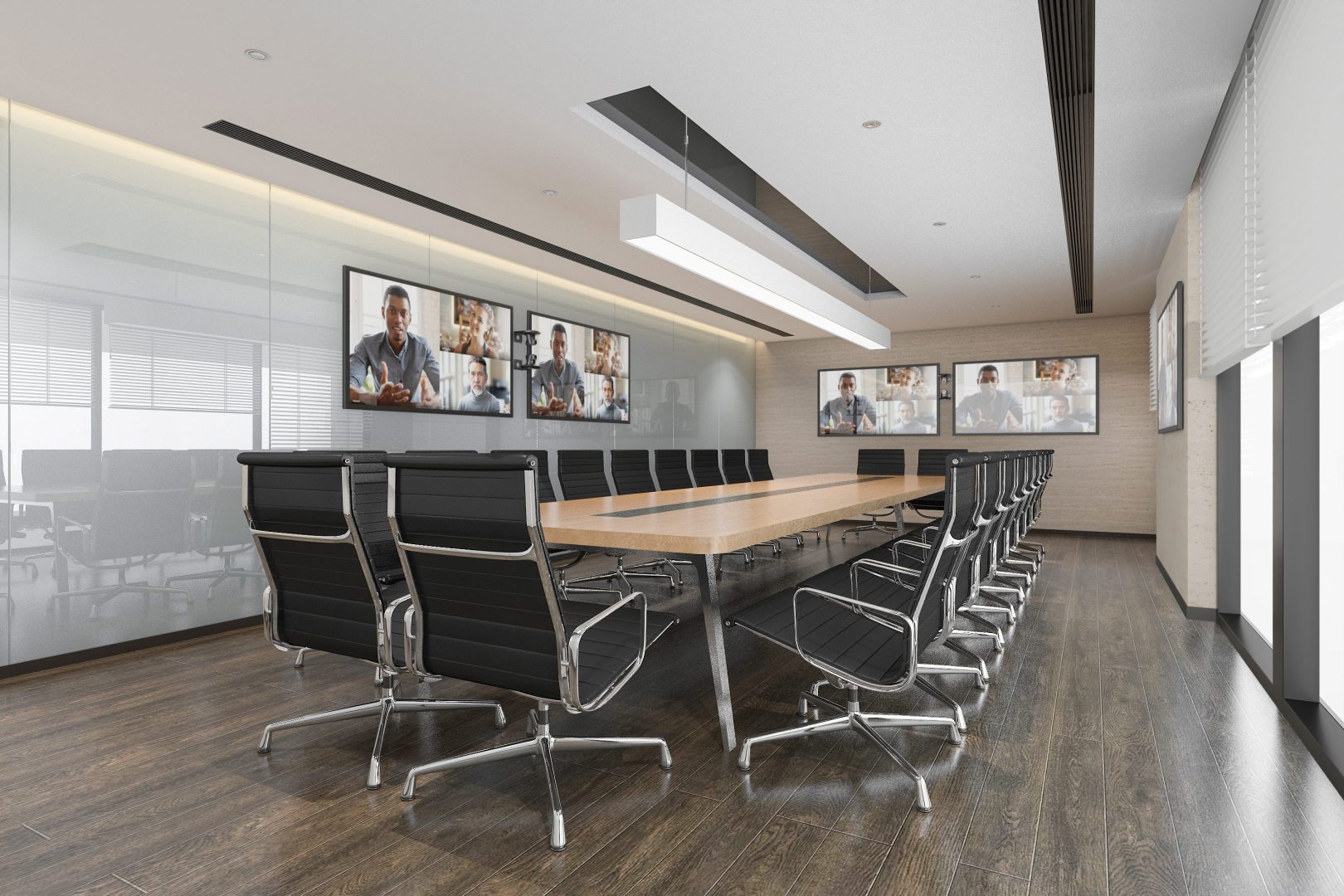
Why Room Standards Matter
Standardizing conference room technology across your organization creates a more consistent user experience.
When rooms operate similarly, employees spend less time troubleshooting and more time collaborating.
Standardization also simplifies:
- User training
- IT support
- Future upgrades
- Equipment procurement
- System maintenance
The result is a workplace technology strategy that scales as your organization grows.
Conference Room Technology Is More Than Equipment
The most successful conference room technology projects combine thoughtful design, proper audio planning, user input, commissioning, and ongoing support.
Reliable meeting spaces aren’t built by adding more technology. They’re created through smart planning, consistent standards, and solutions designed around how people actually work.
If you’re evaluating conference room technology for your workplace, start by understanding your users, your spaces, and your long-term support needs before selecting equipment. Interested in improving your conference room technology? Contact us today to get started.